Daily Sample
Daily Sample is an operational dashboard for reviewing quality monitoring by period, agent, campaign, or monitor. It does not replace monthly reports; it helps you inspect a concrete sample and detect issues early.
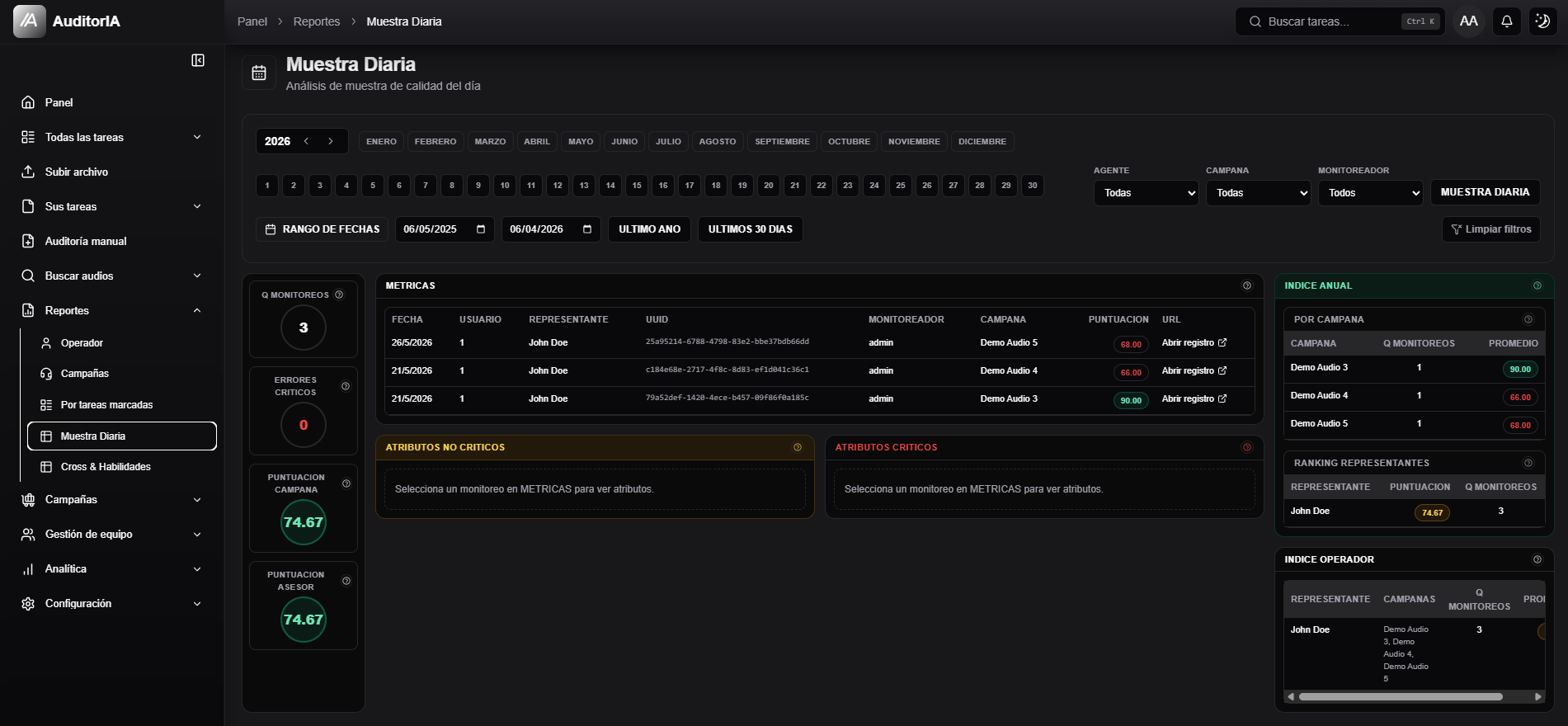
Open Reports > Daily Sample.
Configure the period
Use year, month, day, manual date range, and quick ranges such as Last year or Last 30 days.

Filter the sample
Use Agent, Campaign, and Monitor to reduce the sample. Daily sample focuses the analysis mode, and Clear filters widens the view again.
Read metrics and attributes
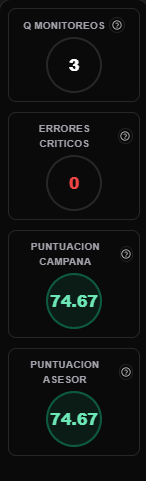
The side column shows quick indicators such as monitor count, critical errors, campaign score, and advisor score.
The Metrics table lists the monitoring records included in the sample.

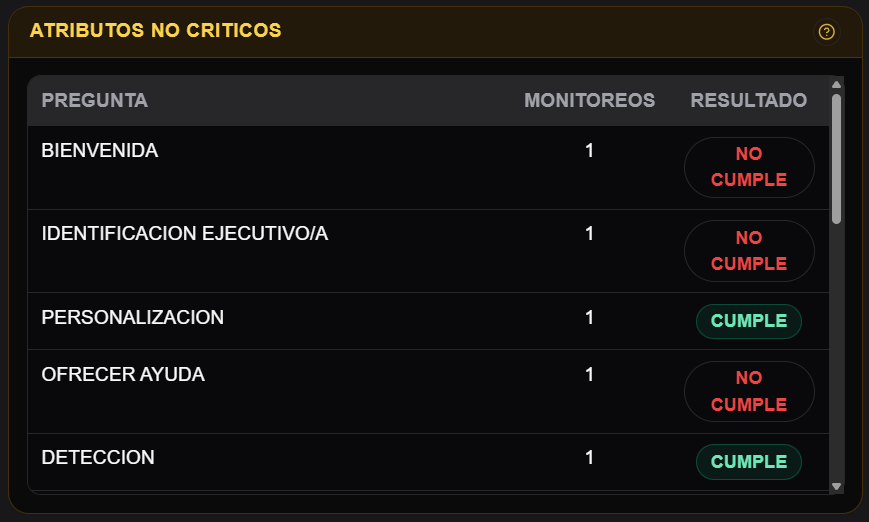
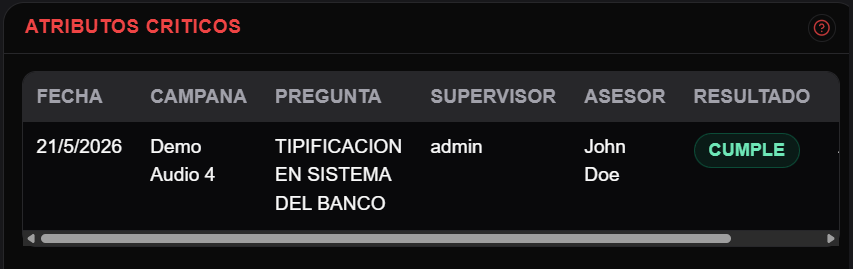
Non-critical and critical attributes explain which questions comply or fail.
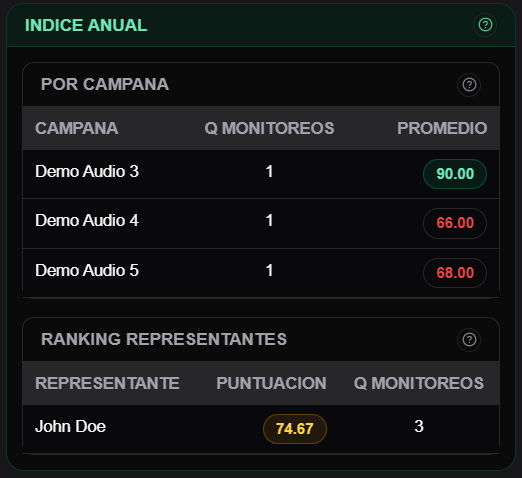
Read indexes