Chats and social media
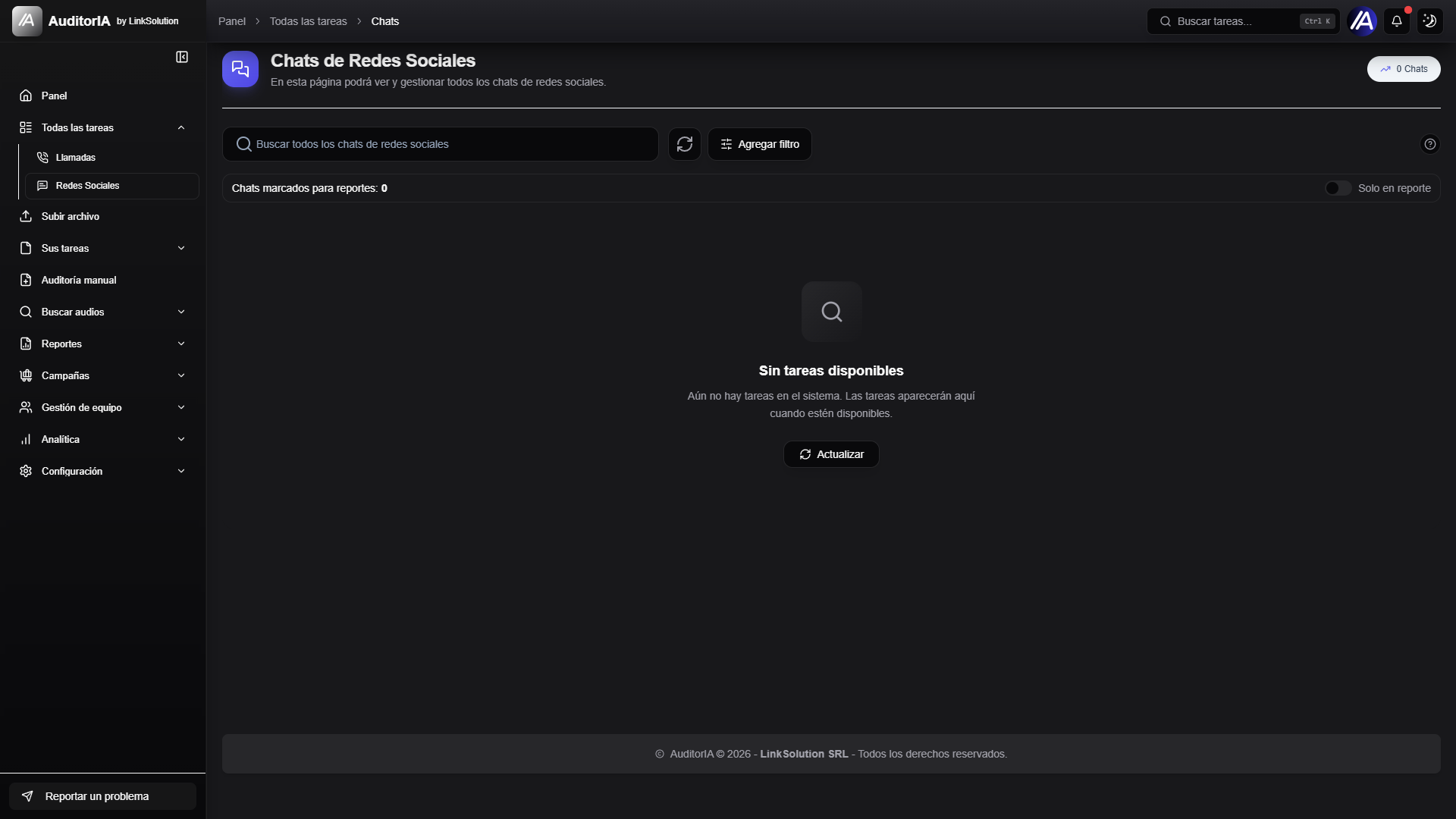
AuditorIA also lets you review social media conversations. The experience is similar to calls: you can search, filter, open details, send cases to audit, and mark cases for reports.
Access chats
Depending on your permissions, you can find chats from:
| Section | What it is for |
|---|---|
| All tasks -> Social media | View and manage all chats available to your role |
| Your tasks -> Chats | View chats assigned to your user |
| Campaigns -> Social media | Manage social media campaigns |
| Quality scorecards -> Social media | Configure criteria to audit chats |
info
Required permissions If you do not see a section, your role probably does not have permission to view it. Check with an AuditorIA administrator.
What you can do from the list
The chat list brings together the main actions:
| Action | When to use it |
|---|---|
| Search | Find a chat by identifier, campaign, operator, or visible data |
| Filter | Reduce the list by date, campaign, operator, status, score, or alert |
| Open detail | Read the full conversation and review its data |
| Send to audit | Generate the chat audit when it is ready for evaluation |
| Generate tags | Classify chats in bulk when your role allows it |
| Mark for report | Save chats to analyze later in a selection report |
| Unmark from report | Remove chats from that selection |
Filters and alerts
In chats you can combine simple filters with advanced filters:
- Campaign: shows only conversations from one campaign.
- Operator: focuses the list on a person or identifier.
- Date: narrows the review period.
- Score: shows chats within a score range.
- Alert: shows only chats with a specific alert.
tip
When there are many results, apply campaign and date first. Then adjust score or alert to reach the case you need to review faster.
Review a chat
When you open a chat, AuditorIA shows the conversation and its main data. From there you can:
- Read the full history.
- Review campaign, operator, and status.
- Check whether the chat has pending alerts.
- Return to the list to continue with the next case.