Manual audit
Manual audit is used to evaluate a case when you do not want to start the normal flow from an audio upload. It can also be used to record evaluations of calls or chats that were already reviewed through another channel.
Access manual audit
Go to Manual audit from the sidebar.
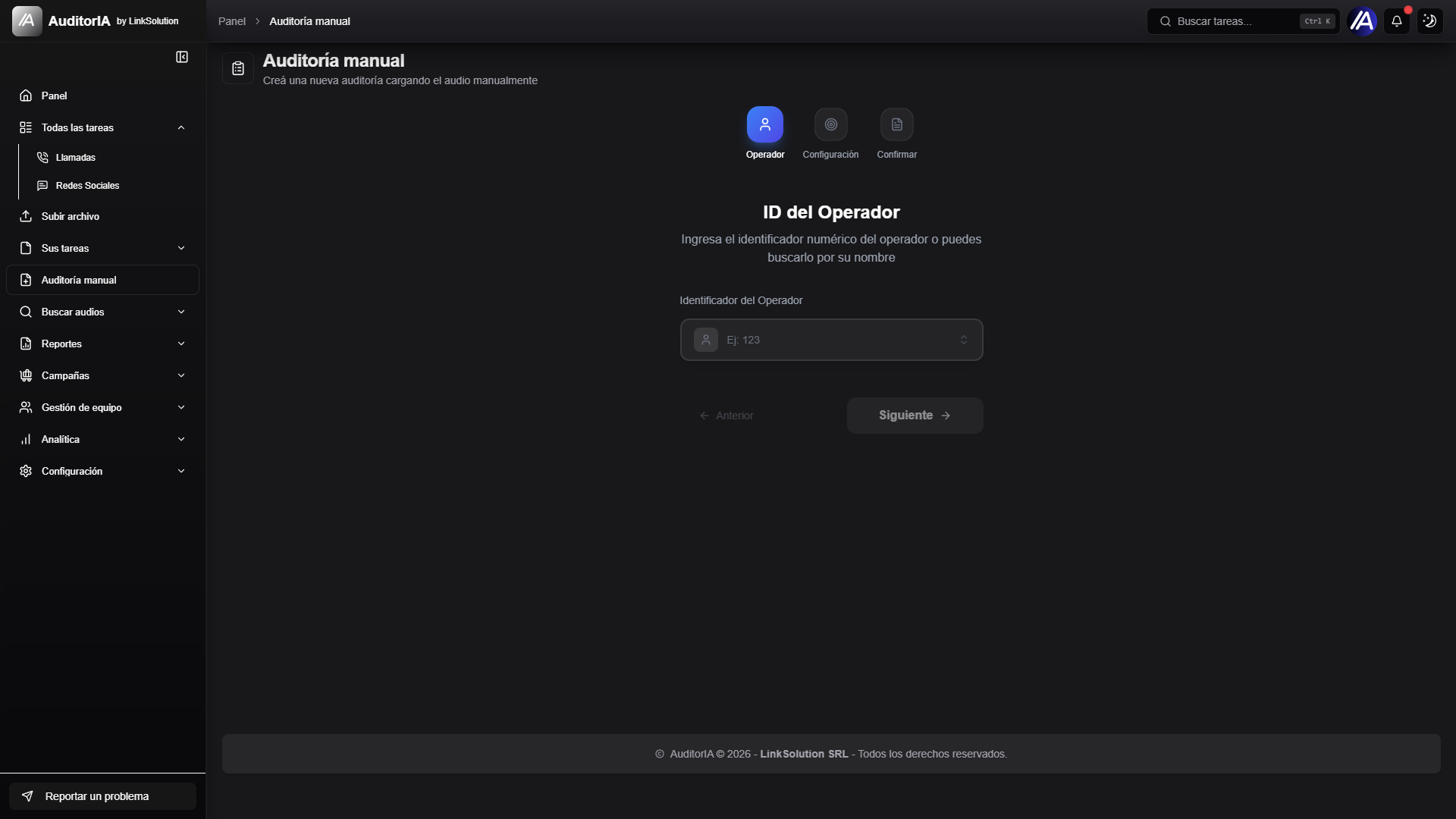
Required permissions The option appears only for users with permission to create manual audits. If you do not see it, ask your administrator for access.
Step by step
- Select the operator you are going to evaluate.
- Choose whether it applies to calls or social media.
- Select the campaign.
- Review the data before continuing.
- Complete the audit scorecard.
- Save the audit.
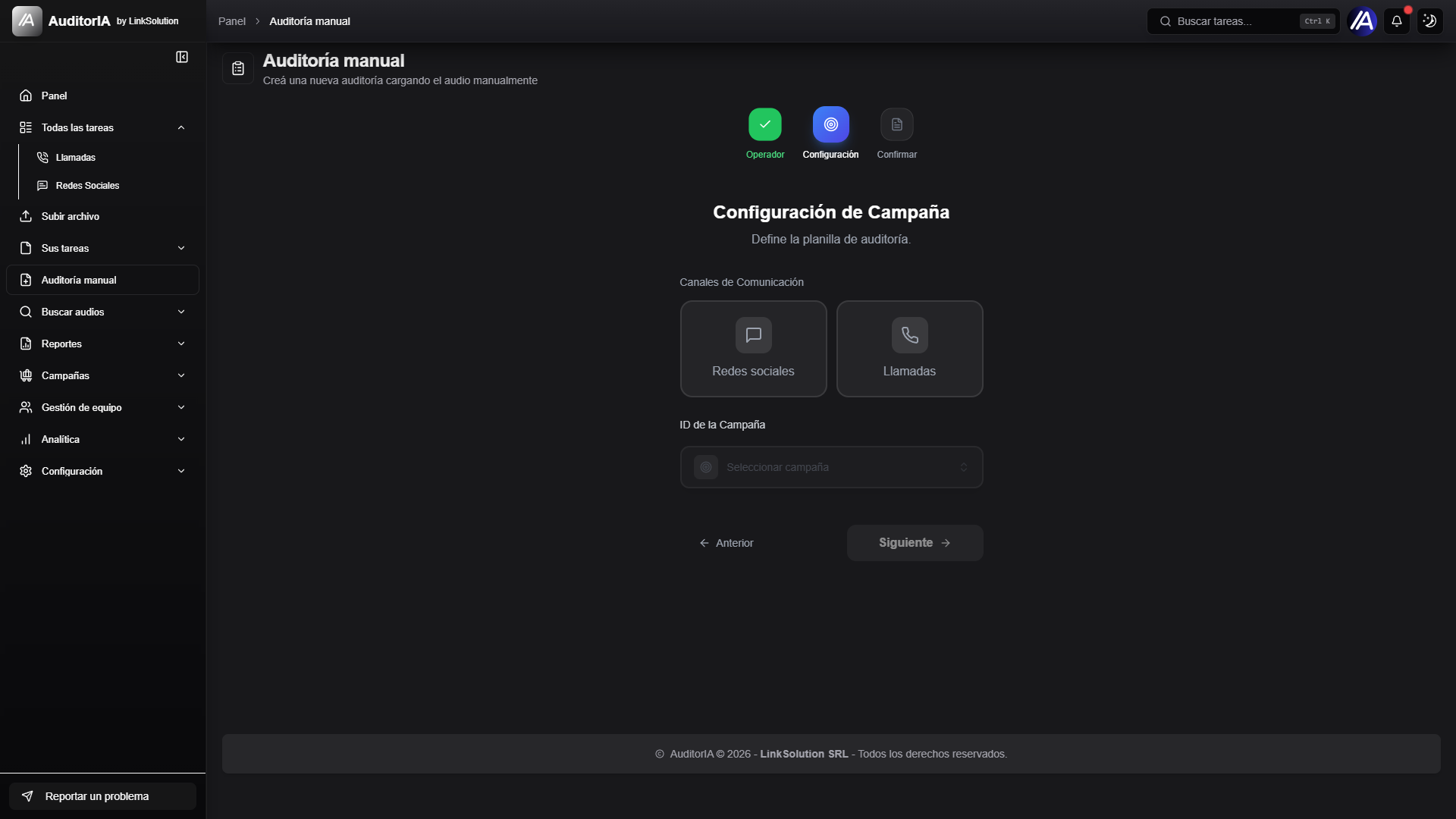
Data that is completed
| Data | What it is for |
|---|---|
| Operator | Evaluated person |
| Campaign | Business context where the audit is recorded |
| Channel | Call or social media |
| Date | Evaluation date |
| Extra notes | Clarifications that help understand the case |
| Criteria | Quality scorecard answers |
Complete criteria
The scorecard shows the criteria defined for the campaign. For each criterion, indicate whether it is met and add a brief explanation when necessary.
Use simple, concrete notes. The manual audit remains as evidence of the evaluation, so it is best if another person can understand the reason without asking for additional context.
What happens when you save
When you save the audit:
- AuditorIA records the case in the selected campaign.
- The result becomes available in tasks and reports.
- If applicable, the case can appear in reports by operator or campaign.