Advanced reports
In addition to reports by operator and campaign, AuditorIA includes reports designed to review specific case groups or compare skills.
Access advanced reports
From the sidebar, enter Reports. Depending on your permissions, you can see:
| Report | What it is for |
|---|---|
| Marked tasks report | Analyze only the cases you previously selected |
| Daily sample | Review a daily sample of cases |
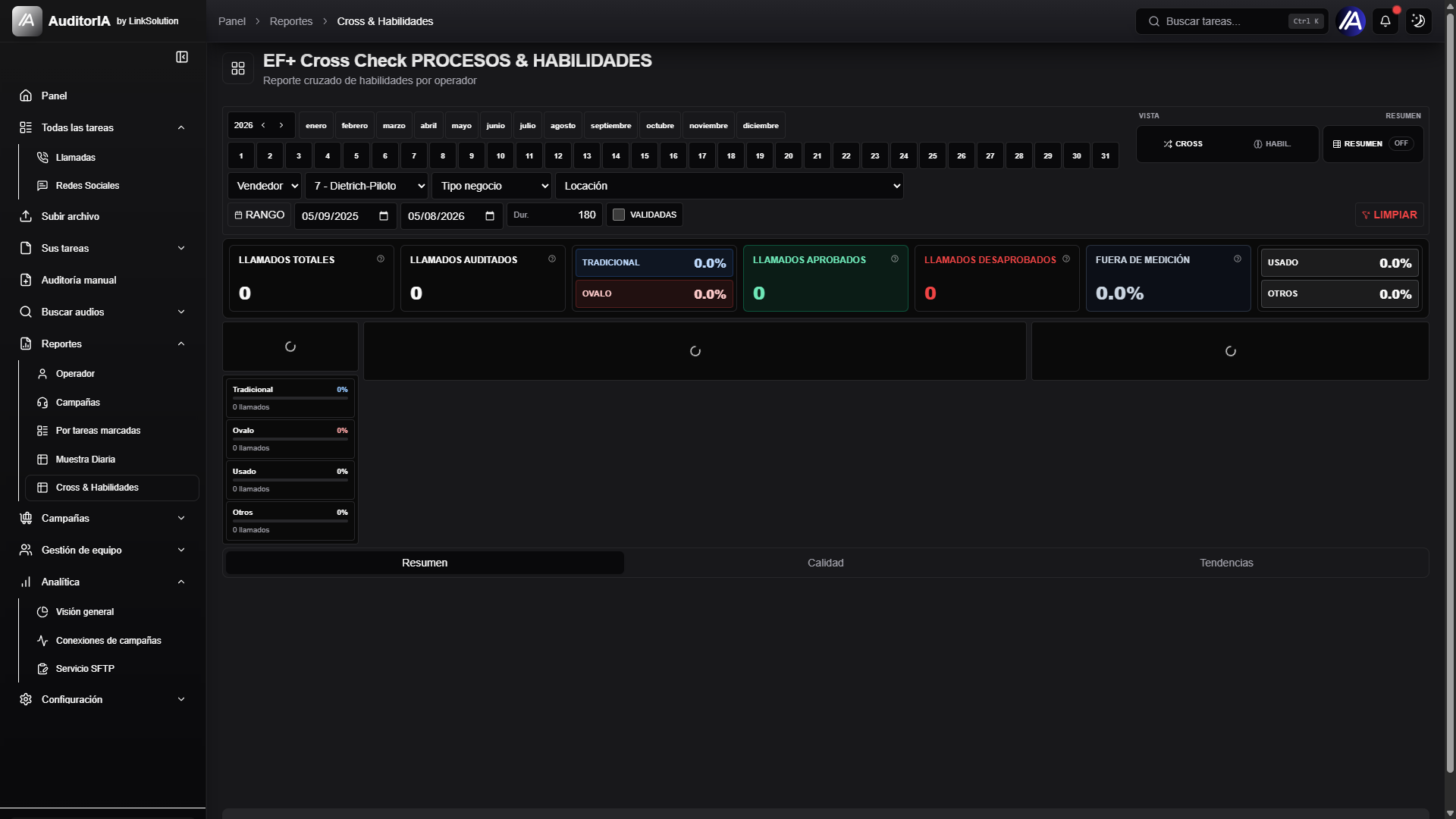
| Cross-skills | Compare skills and processes by operator |

Required permissions Advanced reports may be available only to supervisors, quality teams, or administrators. Visibility depends on the assigned role.
Marked tasks report
This report is built from calls or chats that you marked from other screens.
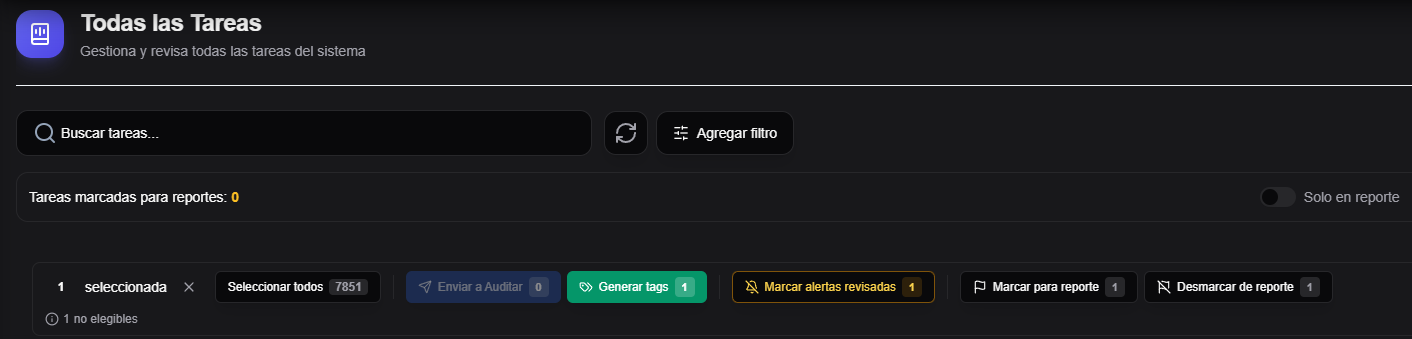
How to mark cases
- Enter All tasks, Chats, Transcription, or Alerts.
- Select one or more cases.
- Use the Mark for report action.
- Repeat the process until the selection is complete.
How to generate the report
- Enter Reports -> Marked tasks report.
- Review the preview.
- If you want, enable the month filter.
- Click Generate report.
- Review the summary, quality, trends, and tasks tabs.
Before generating, review the preview. It is the simplest way to confirm that you are analyzing the right cases.
Daily sample
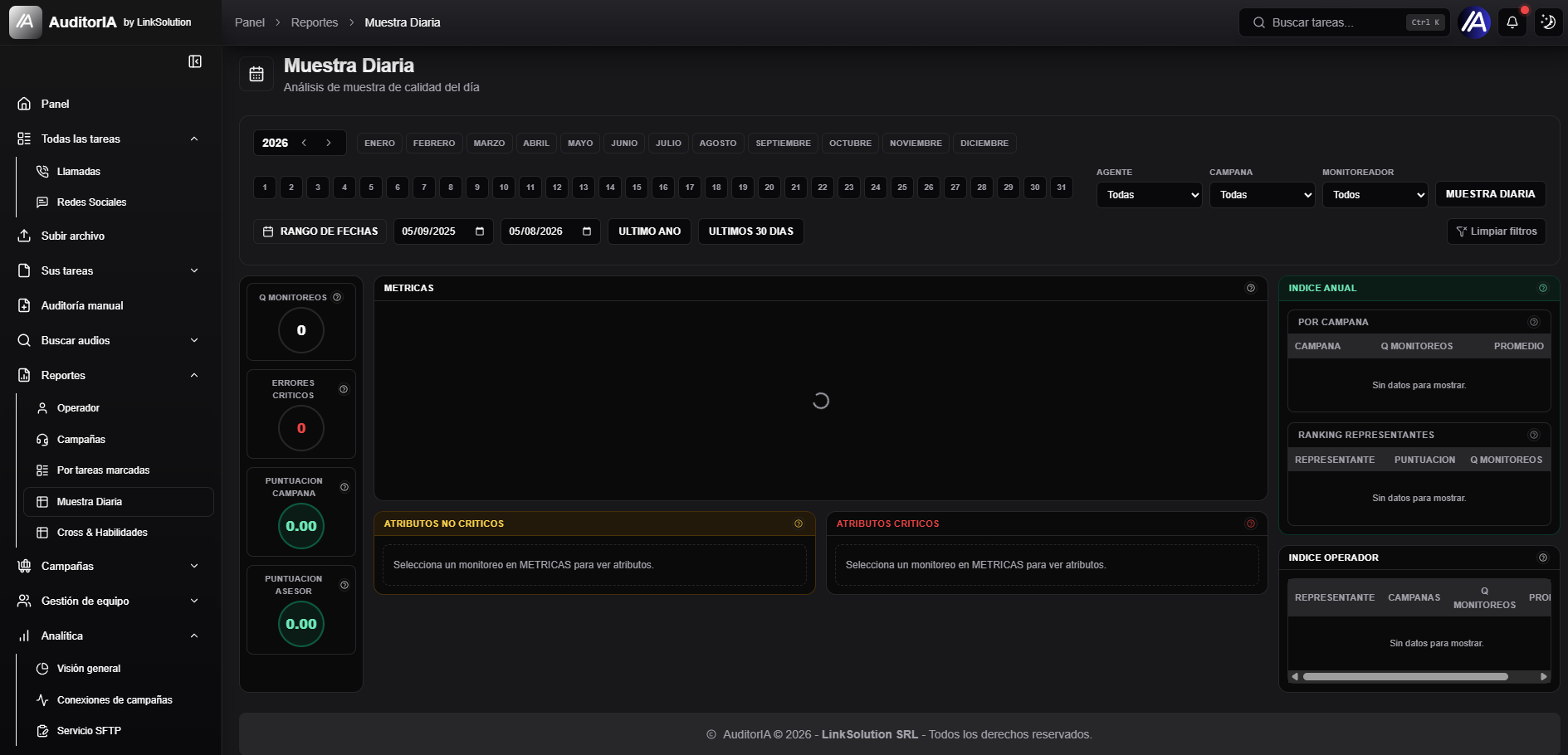
The daily sample helps review a representative number of cases without going through the whole operation.
| Use | Example |
|---|---|
| Daily control | Review cases from the previous day |
| Quality follow-up | Compare samples across days |
| Quick review | Detect early deviation in a campaign |
Cross-skills
The cross-skills report connects operators with evaluated skills or processes. It helps detect strengths and improvement areas.
| Question | What to look at |
|---|---|
| Which skill fails most | Columns with lower compliance |
| Which operator needs support | Rows with low scores |
| Where there was improvement | Compare periods or similar campaigns |